Fanvil IP Phones in Islamabad: Office Setup Guide 2026
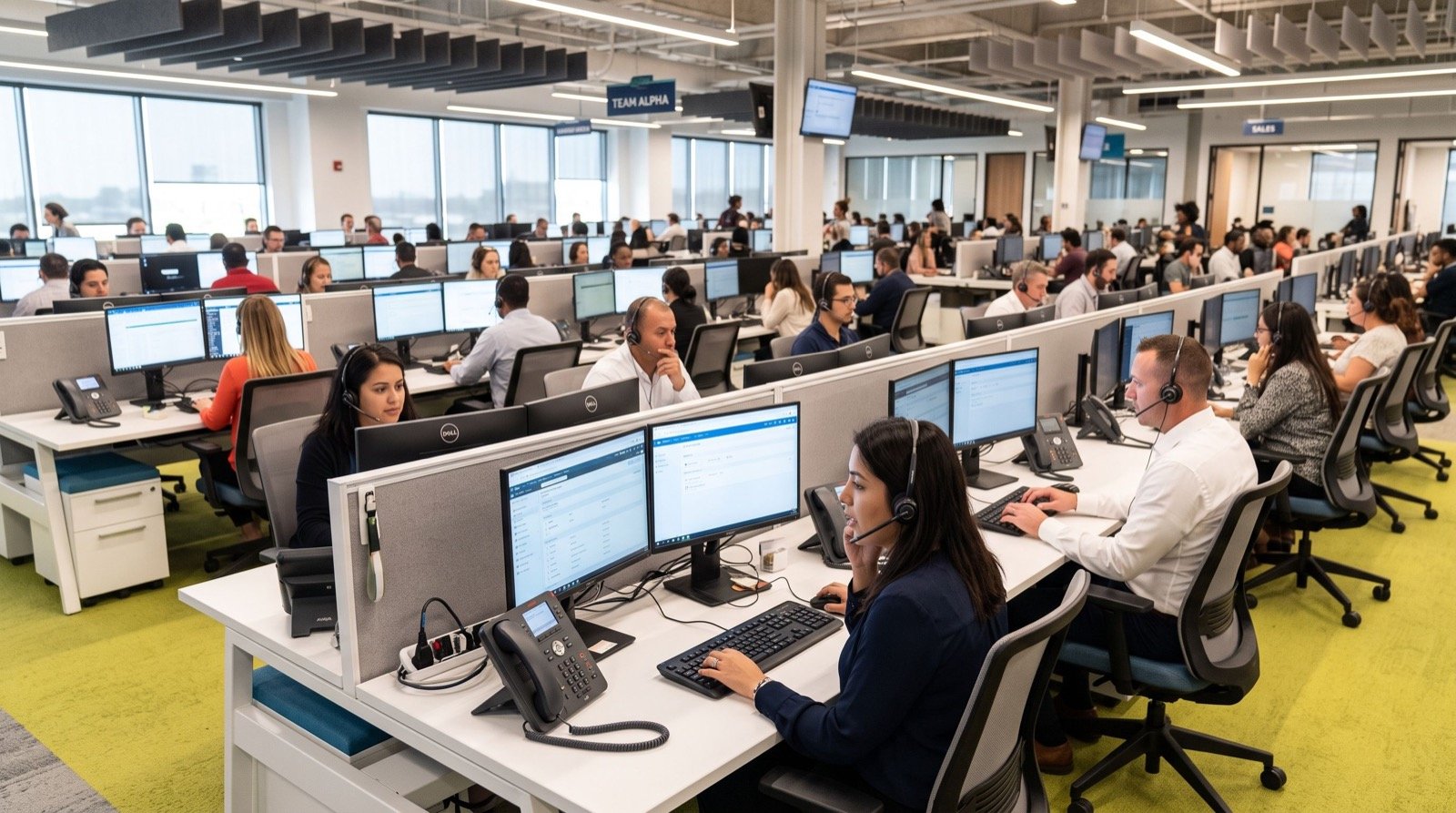
Offices in the capital have unusual telephony needs. Government contractors, software houses, NGOs and embassy-adjacent businesses all want crisp audio, secure calling and neat desks. That is why fanvil ip phones in Islamabad have become a common choice for teams upgrading from ageing analogue sets.
This article walks through a realistic setup plan for an Islamabad office in 2026. You will find a sizing method, a comparison table, a rollout timeline and answers to the questions clients ask us most.
What makes Islamabad different?
Islamabad is a planned city with sector-based office blocks, so many buildings share fibre providers and structured cabling is more common than in older commercial areas. That helps IP telephony, because clean cabling is half the battle.
There are also local factors to plan around:
- Mixed-use buildings: offices in Blue Area towers and F-sector plazas often share risers and switch rooms.
- Security expectations: clients in the public and development sectors may require encrypted calling.
- Power cuts: even in well-served sectors, short interruptions happen, so backup power matters.
How many phones and which types do you need?
Do not buy one model for everyone. Instead, count your seats by call volume.
A simple sizing method
- List every employee who answers external calls.
- Mark each as light, medium or heavy, based on daily call count.
- Add two spare handsets for every twenty seats.
- Add one conference phone for each meeting room.
Heavy users deserve better hardware. For executives, directors and front-desk staff, the Fanvil X210 is the kind of high-end enterprise handset worth considering. It suits people who juggle many lines, transfers and contacts every hour.
Which Fanvil phone fits which Islamabad team?
The table below maps common Islamabad office types to the handset class that usually makes sense. Treat it as a starting point and confirm details with a supplier.
| Office type | Typical seats | Recommended class | Reason |
|---|---|---|---|
| Software house | 30 to 200 | Mid-range for most, high-end for leads | Gigabit ports share cable with PCs |
| NGO or development office | 10 to 60 | Mid-range plus conference phone | Frequent calls with donors and field teams |
| Law or consulting firm | 5 to 30 | High-end for partners | Clear audio, many contacts, call privacy |
| Clinic or showroom | 3 to 15 | Basic handsets | Simple answering and transfers |
Network preparation before the phones arrive
Most “bad phone” complaints are actually network problems. Spend a day preparing and you avoid a month of support tickets.
Voice VLAN and QoS
Place phones on a dedicated voice VLAN. Mark SIP signalling and RTP media with QoS so calls stay clear when someone uploads a large file.
Bandwidth and internet
One G.711 call uses roughly 100 kbps in each direction including overhead. Twenty simultaneous external calls therefore need around 2 Mbps of dependable upload. A second internet link from a different provider is a smart safeguard for critical offices.
Power
Use PoE switches with a UPS. A small online UPS in the comms cabinet keeps desk phones working through short outages, which is when clients most often try to reach you.
Rollout timeline for a 25-seat office
Here is a timeline we have seen work well for a mid-sized Islamabad office:
- Week 1: site survey, cable testing, VLAN design.
- Week 2: order handsets, prepare configuration templates, set up the PBX or cloud account.
- Week 3: pilot with five users and fix audio or key-layout issues.
- Week 4: full deployment, training and a short feedback session.
A practical tip: pre-load speed-dial and BLF keys for each department. Staff adopt new phones faster when the buttons they need are already there.
Security and compliance for sensitive work
Organisations dealing with confidential matters should enable TLS for signalling and SRTP for media, assuming the provider supports them. Change default passwords, disable unused ports and keep firmware updated.
For telecom rules and licensing questions on voice services, check the Pakistan Telecommunication Authority. For installation, cabling and support, an experienced local team that can manage the physical move of equipment saves a lot of stress when relocating offices.
Day-to-day features that save time in a busy capital office
Once the phones are live, the features your staff actually use decide whether the project feels successful. Spend an hour with each department and configure the basics together.
Call transfer and pickup groups
Receptionists in Islamabad offices often route calls to several floors. Set up call pickup groups so any colleague can answer a ringing phone nearby. Configure attended transfer on the front desk, so the receptionist can announce a caller before connecting them.
Contacts and directories
A shared company directory pushed to every handset removes the need for paper lists. Use LDAP or an XML phonebook so changes appear everywhere after one edit. Staff then search by name on the screen instead of memorising extensions.
Voicemail and after-hours routing
Government hours and private-sector hours differ, so build a clear after-hours rule. Send calls to a greeting that states your opening times, then to voicemail delivered by email. Review the greeting each quarter, especially around holidays and Ramadan schedules.
Monitoring and reporting
Ask your PBX for a monthly report of missed calls and average answer time. Those two numbers reveal whether you need more staff on the phones or simply better routing.
Common mistakes to avoid
- Buying the cheapest handset for every role, then replacing half of them within a year.
- Skipping the pilot phase and discovering configuration errors on day one.
- Leaving default credentials in place.
- Ignoring headsets, which makes a bigger difference to heavy callers than any screen upgrade.
Frequently Asked Questions
Where can I buy Fanvil phones in Islamabad?
Choose a supplier with local stock, warranty support and technical advice. The Fanvil Pakistan store lists models and ships nationwide, so location is rarely a barrier.
Will Fanvil phones work with my cloud PBX?
Yes, in most cases. They use standard SIP and support auto-provisioning, which cloud PBX platforms rely on. Test one handset with your provider before ordering in bulk.
Do I need a technician to install them?
Small offices can plug in and provision phones themselves. For more than twenty seats, or when VLANs are involved, a network technician saves time and prevents mistakes.
Can I use my own headset?
Most desk phones support wired headsets through a dedicated port, and some models add Bluetooth. Check the headset connection type before you buy.
Conclusion
Deploying fanvil ip phones in Islamabad is straightforward when you size seats by role, prepare the network and pilot first. Pick premium handsets only where they pay back, protect the system with basic security and plan for power cuts. Contact a supplier today to get a tailored quote for your office.